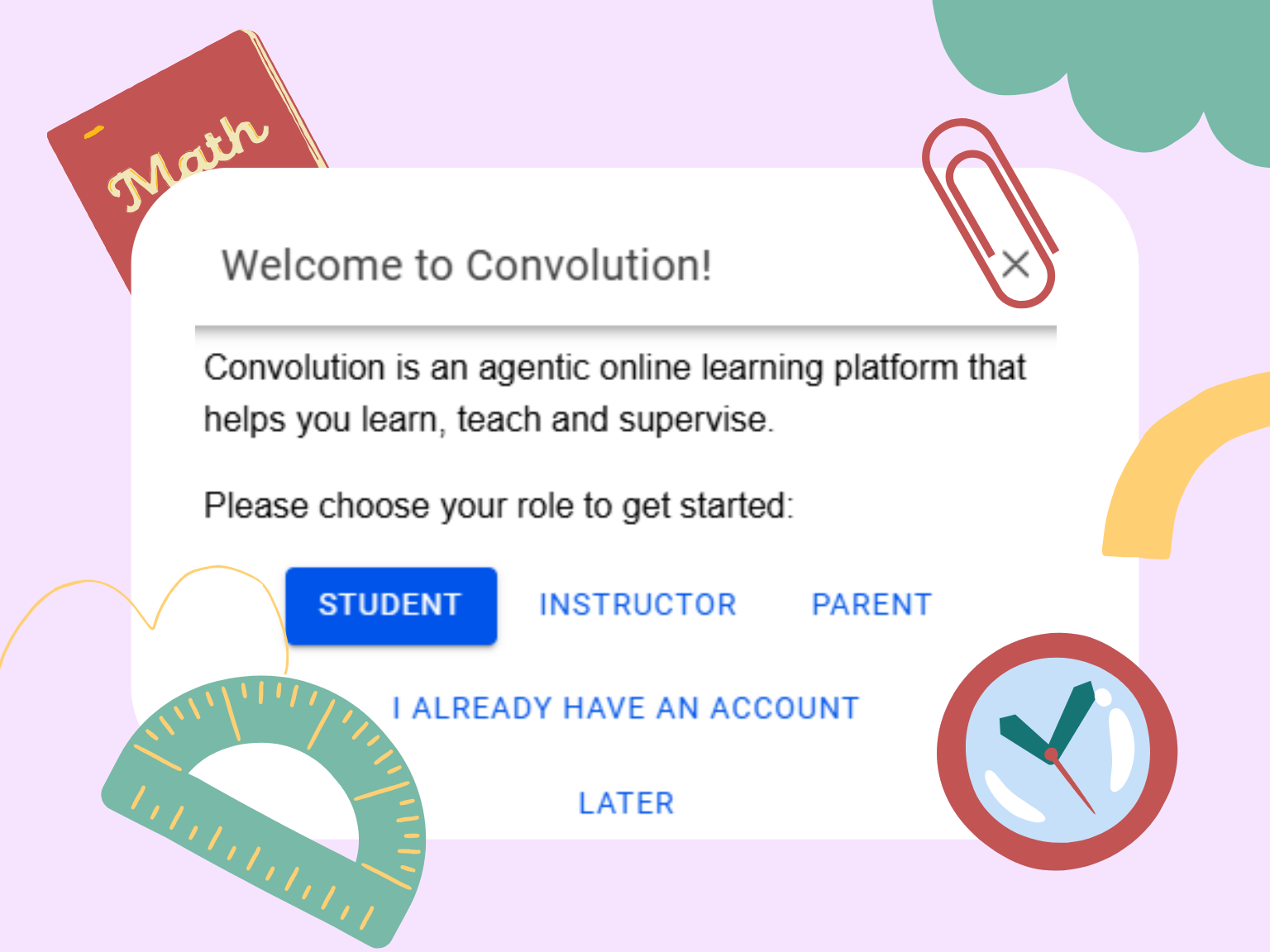
Create your account
This allows your lesson history and progress to be saved, so you can return to your learning at any time.
Add a source
Click + to add any document or video you want to work with. For example, to add a video, choose Import YouTube Videos, paste the link, and click Confirm.
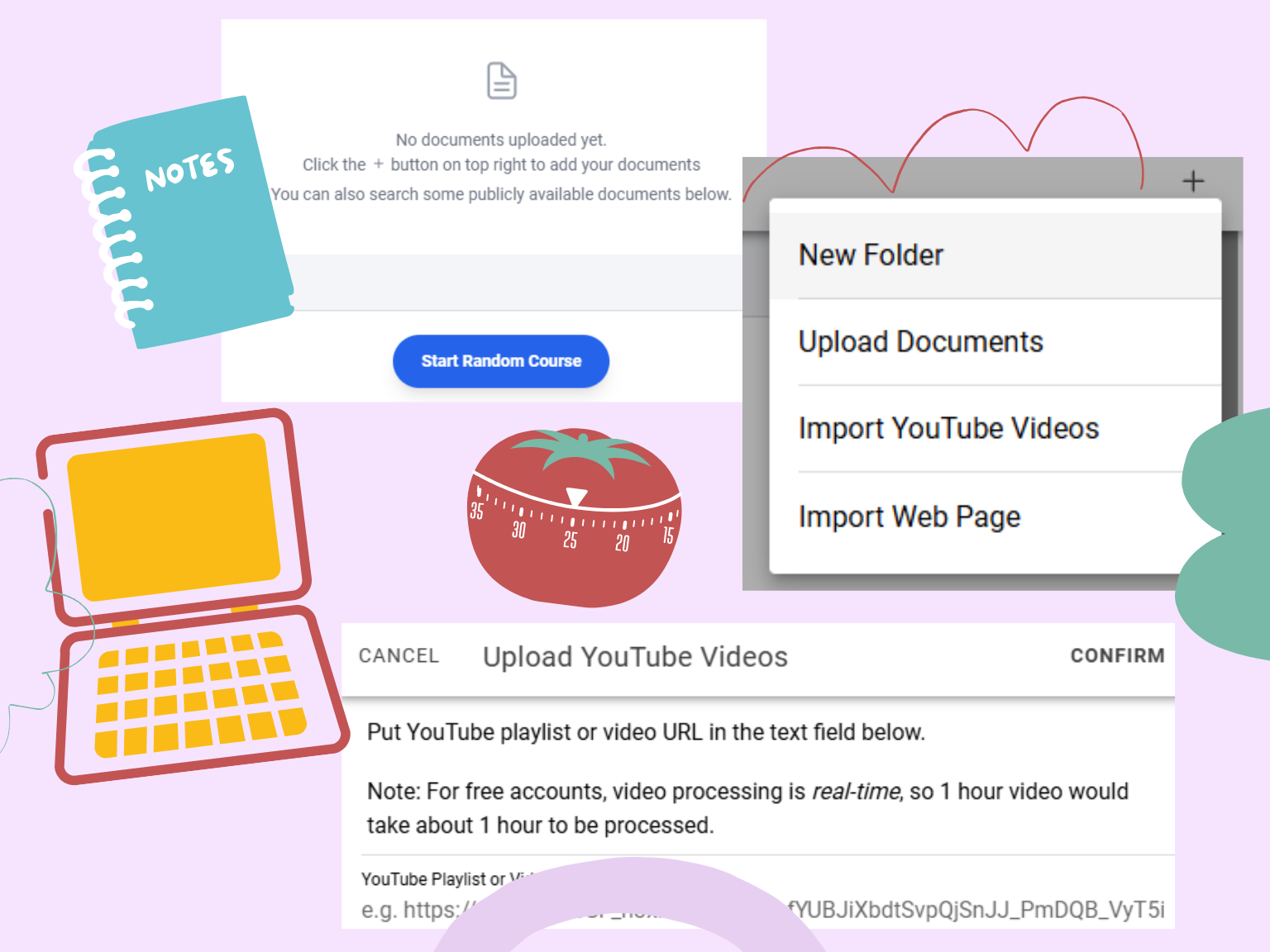
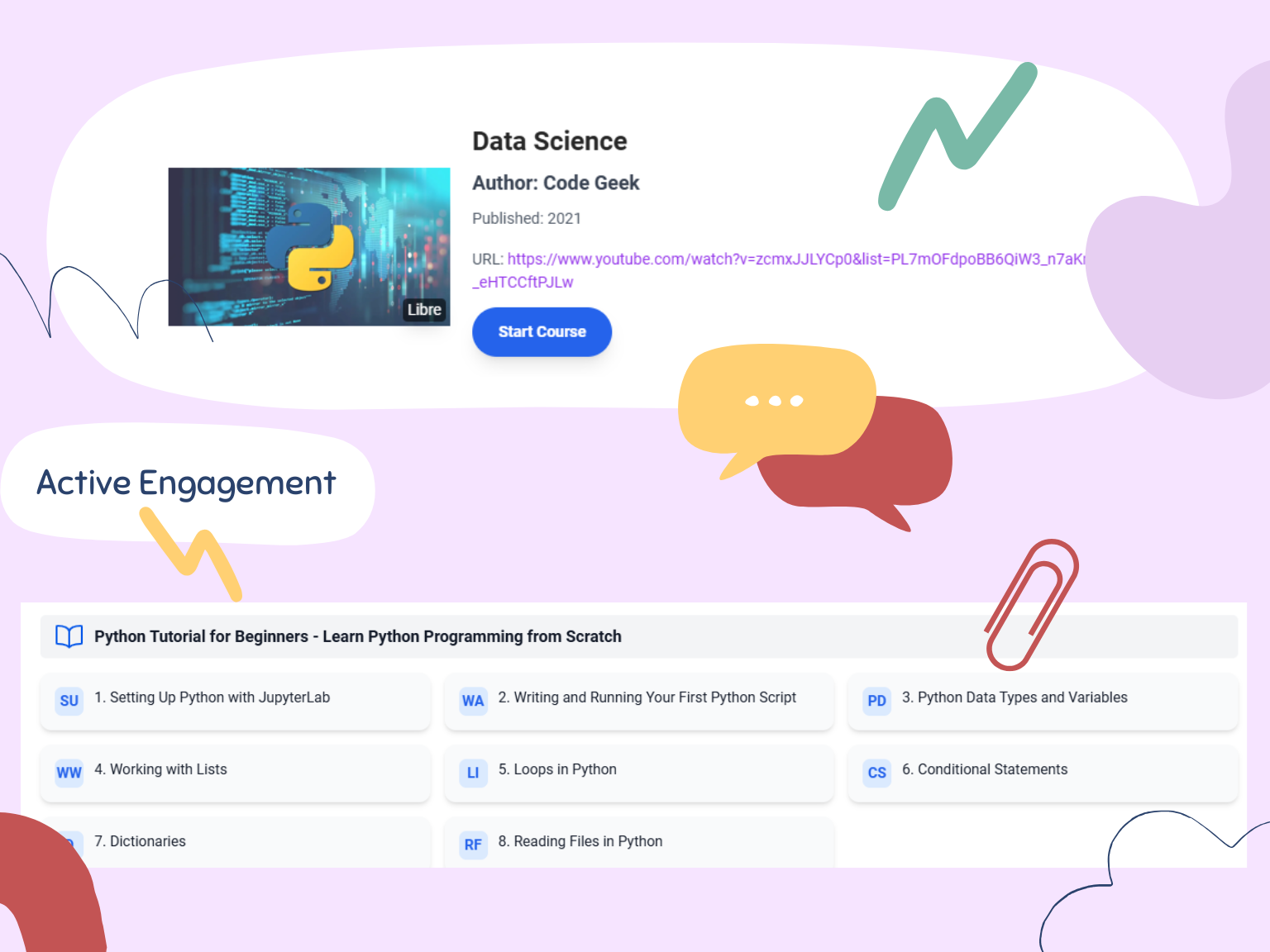
Tip: While your video is being prepared, you can watch the original source. Once processing is complete, Convolution will organize the material into a lesson plan you can use right away.
Change language or switch lessons
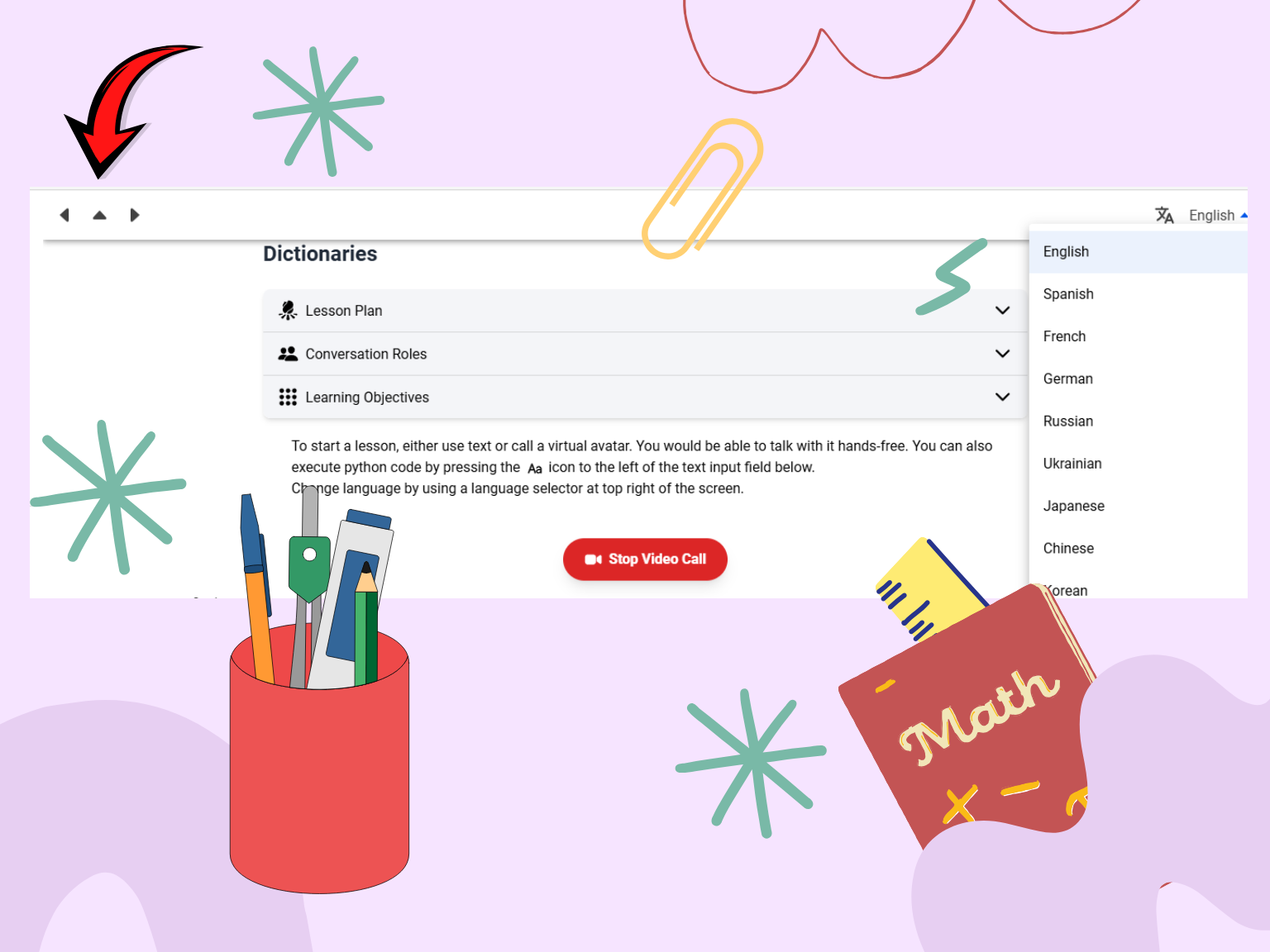
You can change the language at any time based on your preference.
You can also move between lessons whenever you need, making it easy to continue, review, or switch focus.
Review and adjust the lesson setup
Each lesson includes a Lesson Plan, Conversation Roles, and Learning Objectives. You can keep everything as generated or adjust each section to fit your needs.
You can add or remove Conversation Roles to make the lesson more explanation-focused or more question-driven. You can also edit the Learning Objectives depending on what you want the learner to focus on most.
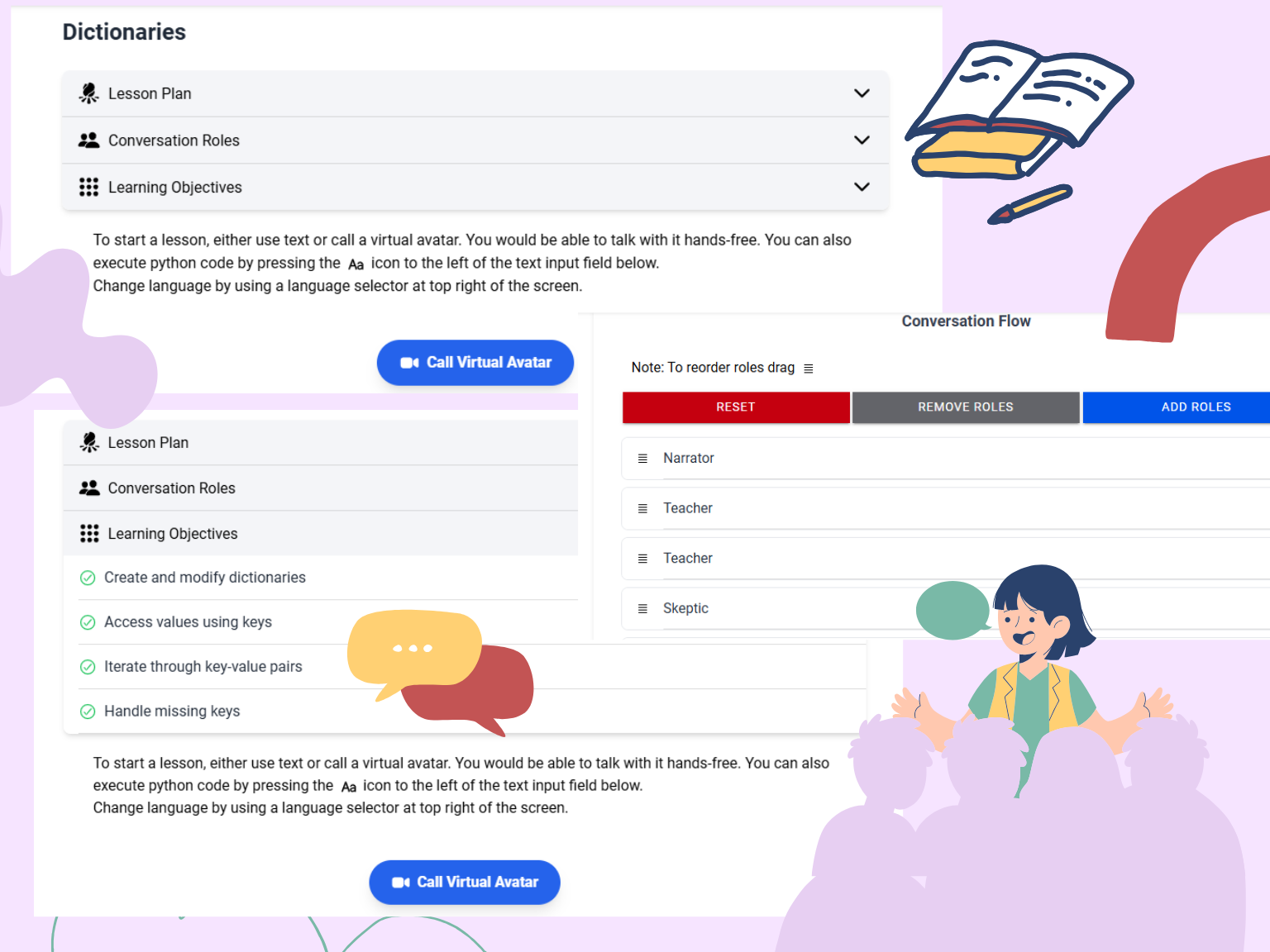
Begin the lesson
Now you can begin the lesson. You can work with the text-based lesson or invite Convy, our virtual avatar, to guide the session.
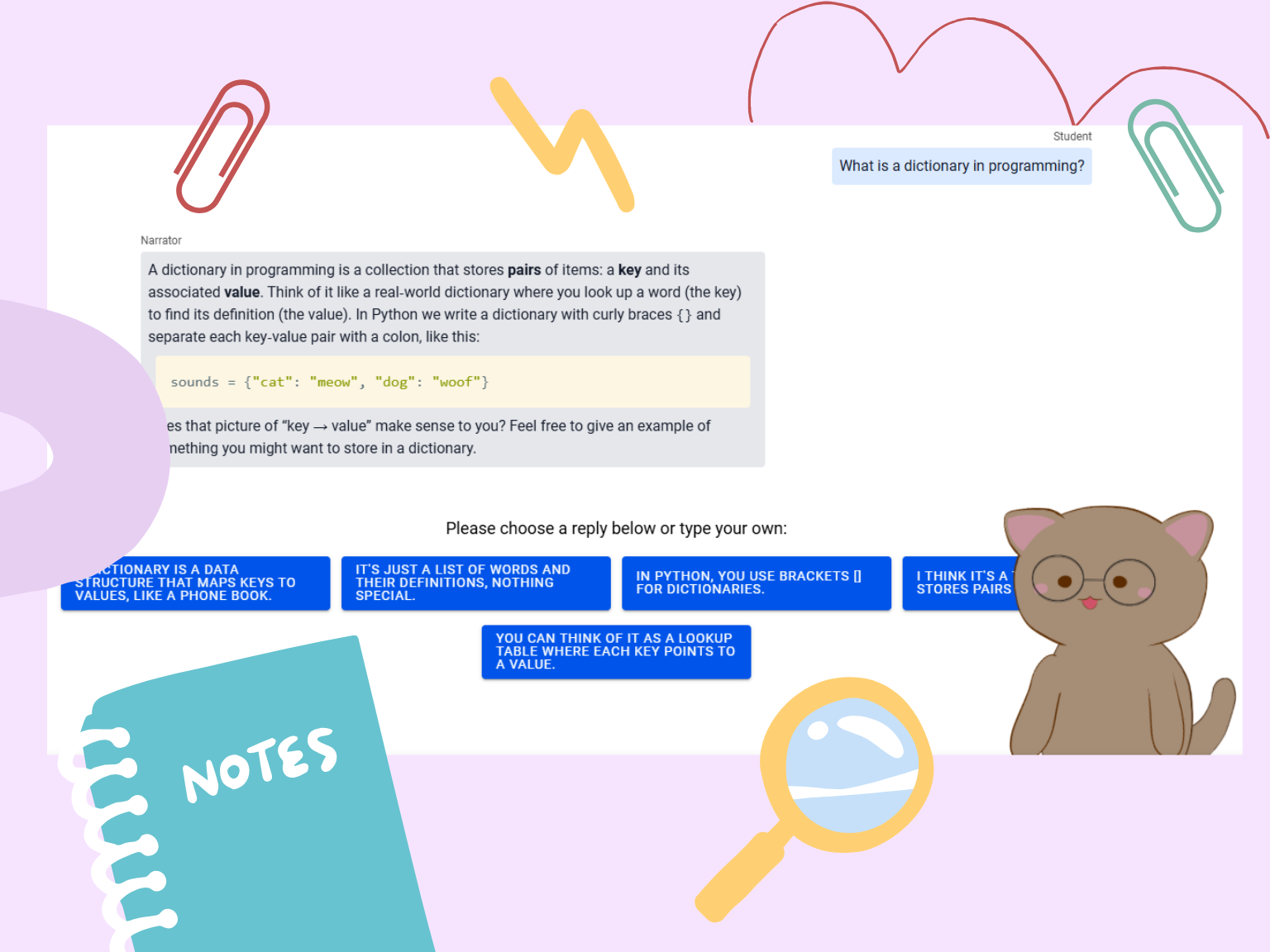
Below is an example of what a lesson looks like in practice.
Use the online library
Simply type a topic into the search bar, such as "cryptocurrency," and choose the resource that best fits what you want to learn.